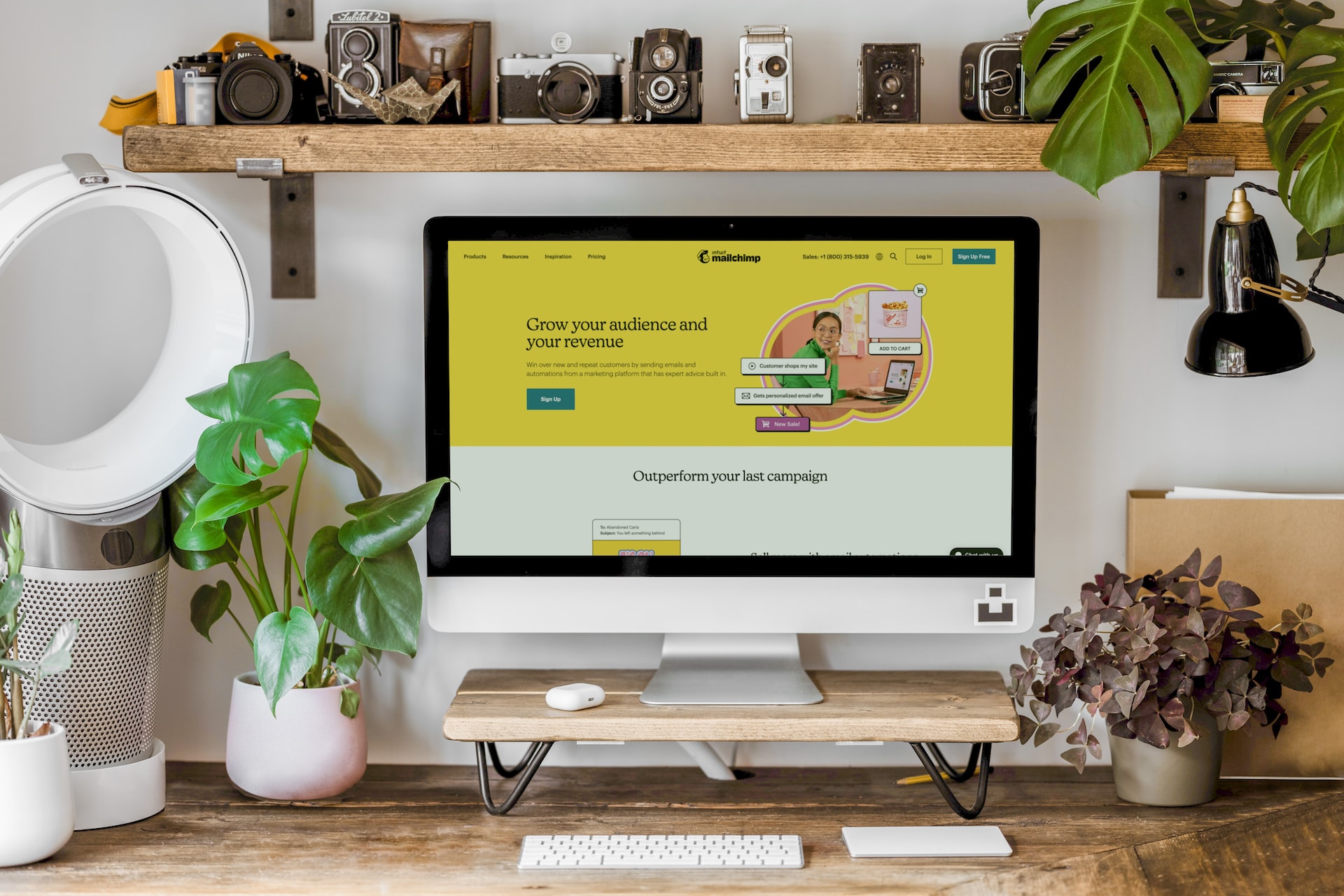
A Smart 11‑Step Process for a Powerful Website Redesign A Smart 11‑Step Process for a Powerful Website Redesign
Redesigning your website isn’t just about making it look better. It’s about rethinking how your website functions, performs, and supports your business goals. A successful website redesign goes beyond aesthetics; it strengthens user experience, improves search engine visibility, boosts conversions, and ensures your brand remains competitive in a digital-first world.
This comprehensive 11-step process will walk you through the key stages of redesigning your website—from initial audit to post-launch optimization. Whether you're a small business owner, marketer, designer, or developer, this guide will help you build a website that performs.
1. Audit Your Current Website
Before you change anything, you need to know what you're working with. Conduct a full audit to understand the strengths and weaknesses of your current site. It is preferred to use tools like Google Analytics to identify high-performing pages, bounce rates, and user flows. Also, tools like SEMrush, Ahrefs, or Screaming Frog can help assess technical SEO issues such as broken links, duplicate content, and page speed problems. Before setting out on this journey, it is essential to ask the following questions:
- Which pages drive the most traffic?
- Where do users drop off?
- Is the site mobile-friendly and accessible?
- Are there slow-loading pages?
These insights will inform what to keep, what to scrap, and what to improve.
2. Understand Your Audience & Competitors
A successful redesign must serve your audience’s needs. Before embarking to redesign your website, consider conducting user research through surveys, interviews, or feedback forms to understand what your audience values, what frustrates them, and what they expect.
Next, analyze your competitors to see what they are doing. What are they doing well? What gaps can your site fill? Use competitor research to identify opportunities for better design, messaging, functionality, and SEO.
3. Define Clear Goals
A redesign without clear objectives is a shot in the dark. It is essential to establish measurable goals that align with your broader business strategy. Here are a few examples:
- Increase eCommerce conversions by 15%
- Reduce bounce rate by 20%
- Increase time on site by 30 seconds
4. Assemble Your Team
Redesigning a website is no small task, and can be performed effectively only with the right collaboration. Depending on the work and scope of your redesign project, your team may include:
- UX/UI Designer
- Web Developer
- Copywriter
- SEO Specialist
- QA Tester
5. Plan Your Site Structure and Content
Good websites are easy to navigate. You should constantly review your site map and structure to ensure users can find what they need within three clicks. It is recommended to perform a content audit. This is what should be included in your audit:
- What pages need to be merged or split?
- Are there gaps where new content is needed?
This is your chance to align content with your goals and provide value to users at every stage of their journey.
6. Develop Wireframes and UX Strategy
Wireframes are skeletal blueprints that map out page layouts, functionality, and content placement without design elements. A simple wireframe should start with:- Homepage
- Core service/product pages
- Navigation menu
- Blog or content hub
Always pay careful attention to on user flows. How do people move through your site? Where do they convert? The user journey should feel intuitive and frictionless.
7. Create a Visual Design System
Once your wireframes are hashed out, the next step is to move on to visual design. Develop a style guide to maintain consistency in typography, color, button styles, iconography, and spacing.
Design for both mobile and desktop. Use high-fidelity mockups to preview what the final site will look like, ensuring visual harmony and brand coherence. Don’t forget accessibility: use adequate contrast, readable font sizes, and ensure interactive elements are keyboard-friendly.
8. Build the Website
Now it's time to bring everything to life. Choose the right CMS (content management system) like WordPress, Webflow, Shopify, based on your goals and technical comfort. Here are a few best practices for development:
- Follow SEO fundamentals (meta tags, alt text, URLs)
- Use mobile-first design
- Ensure security (SSL certificates, data protection)
9. Test Everything
Don’t wait until launch day to start testing, instead, conduct quality assurance (QA) testing as you build:
- Responsive behavior
- Load speed
- Forms and interactive elements
- Accessibility (use tools like WAVE or Lighthouse)
10. Launch Smoothly
A successful launch requires coordination and preparedness. You can use a checklist, and tick off items as you go. Here are some items to include in your checklist:
- Redirect old URLs to new ones (301 redirects)
- Test analytics and tracking scripts
- Submit updated sitemap to Google Search Console
- Announce the launch via email and social media
11. Optimize Post-Launch
A redesign is not the end—it’s the beginning of a new performance phase. Keep tracking key metrics over 30, 60, and 90 days. Here are a few things you might want to look for:
- Traffic and conversions
- Core Web Vitals
- Heatmaps and user behavior
Final Thoughts
Your website is your digital storefront—and the experience it provides can make or break a customer relationship. A thoughtful redesign rooted in data, user empathy, and clear goals will result in more traffic, better engagement, and higher conversions.
Follow this 11-step process, and you’ll not only launch a beautiful site—you’ll launch one that performs.